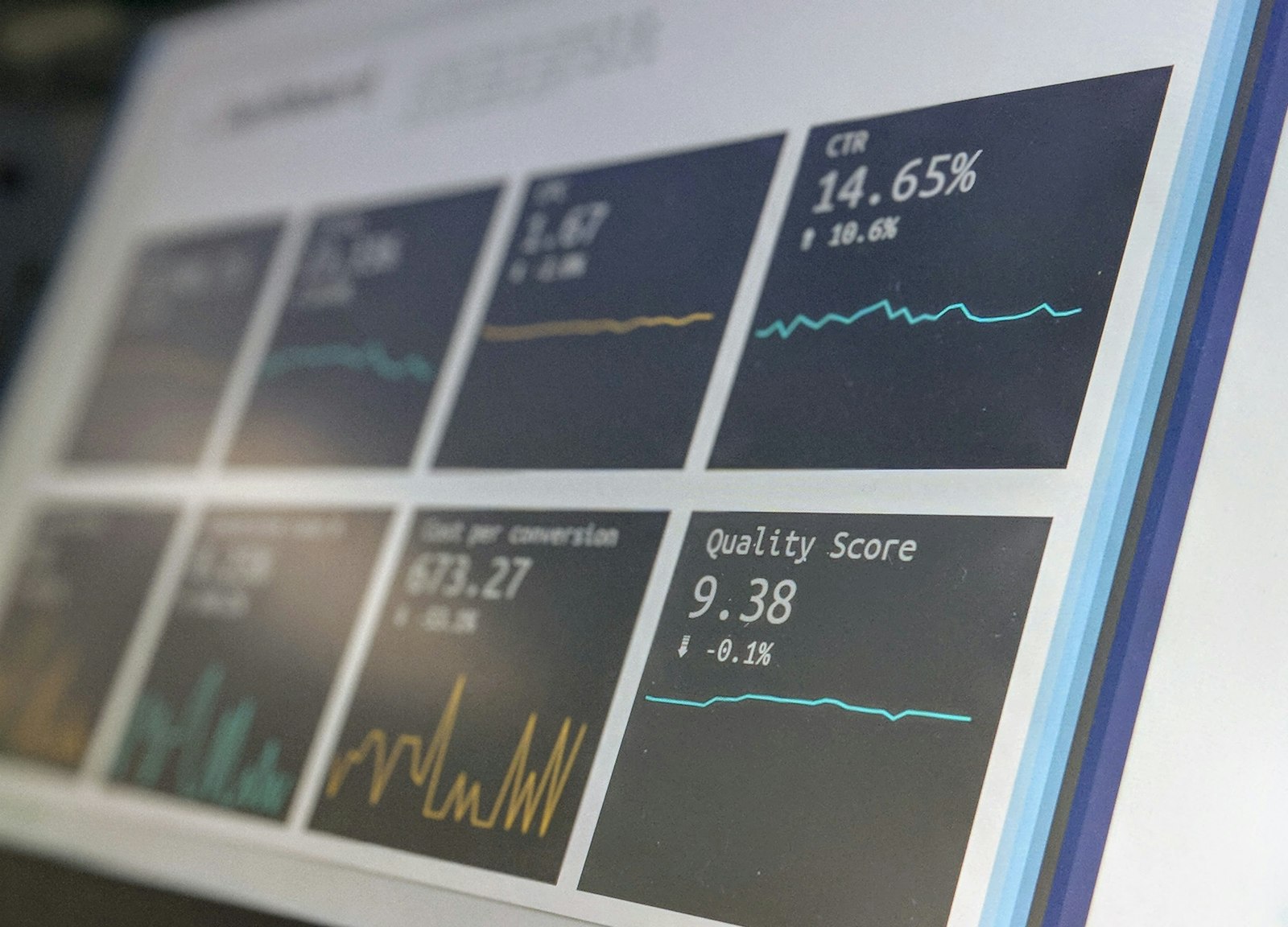
Turning Business Central Data into Decisions with Power BI

Here is a pattern we see constantly: a business invests in a capable ERP, diligently captures every transaction — and then runs the whole company off a handful of exported spreadsheets. The data is all there. It is just trapped. Power BI is how you set it free.
Why Power BI and Business Central Belong Together
Both are Microsoft products, so the integration is native rather than bolted on. Business Central ships with ready-made Power BI reports, and you can build your own on top of live data — no nightly exports, no stale numbers, no spreadsheet archaeology.

Dashboards That Leaders Actually Use
The dashboards that earn a permanent place on a leader's screen tend to answer a recurring, high-stakes question:
- Cash position and forecast — receivables, payables, and projected cash in one view.
- Profitability by dimension — margin by project, product, branch, or customer, sliced on demand.
- Sales performance — trends, pipeline, and targets, refreshed automatically.
- Inventory and working capital — what is tying up cash, and where.
- Aged receivables — who owes what, and for how long, with drill-down to the invoice.
Getting It Right
- Start with the question, not the chart. Decide what decision the dashboard supports before you build it.
- Trust the data. Dashboards expose data-quality problems ruthlessly — fix the source in Business Central, not the visual.
- Use dimensions. Well-structured Business Central dimensions make flexible analysis effortless.
- Govern access. Row-level security ensures people see only the numbers they should.
- Keep it live. Scheduled or direct refresh means decisions use today's data, not last month's.
Beyond Dashboards: Microsoft Fabric
As your analytics ambitions grow, Microsoft Fabric unifies Power BI with data engineering and warehousing on one platform — and provides the governed foundation for AI on your business data. We cover the bigger picture in our Microsoft 2026 roadmap.
Sitting on a goldmine of ERP data you cannot see into? Talk to us about Power BI for your Business Central environment.